
Try InflataHQ with real sample data
Explore a fully loaded rental business - owner dashboard, crew dispatch, customer booking site, and reports. We'll walk you through a busy Saturday morning in about 2 minutes.
~2 min
guided tour
8 steps
owner & customer views
No signup
explore instantly
Hourly reset
sample data refreshes
Choose your path
Explore the demo your way
Start with the guided tour for the full story, or jump straight to the part you care about most.
Owner dashboard
Start the guided tour - see how a busy Saturday morning looks from the owner's seat.
Start guided tourRecommendedCustomer website
Browse Gulf Coast Party Rentals's branded rental site with live inventory and pricing.
View rental websiteOnline booking
Browse the catalog, pick dates, add items to a cart, then check out with delivery and deposit.
Try booking flowCrew mobile view
See today's deliveries from the crew's perspective - simple, mobile-first, no clutter.
Open crew viewGuided tour
8 steps through a busy Saturday
The tour follows Gulf Coast Party Rentals - a sample inflatable rental business on the Emerald Coast - through a typical weekend morning.
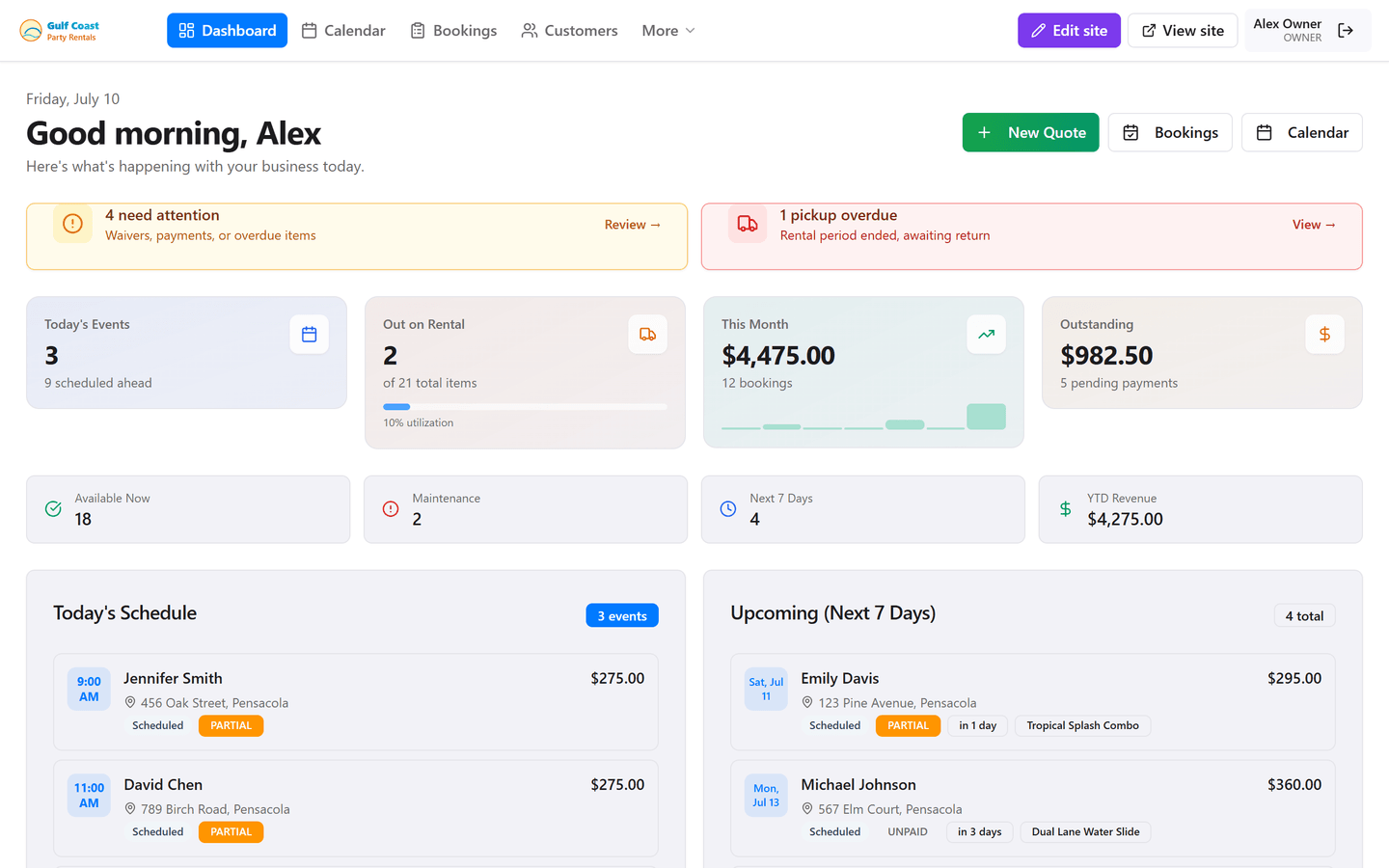
See the whole day before the first truck leaves
Today's events, units out on rental, month-to-date revenue, and outstanding balances - all on one screen so you know where to focus.
Fix money and waiver issues before they escalate
Overdue balances, unsigned waivers, and stuck pickups collect here automatically - so nothing sits unnoticed while you're on the road.
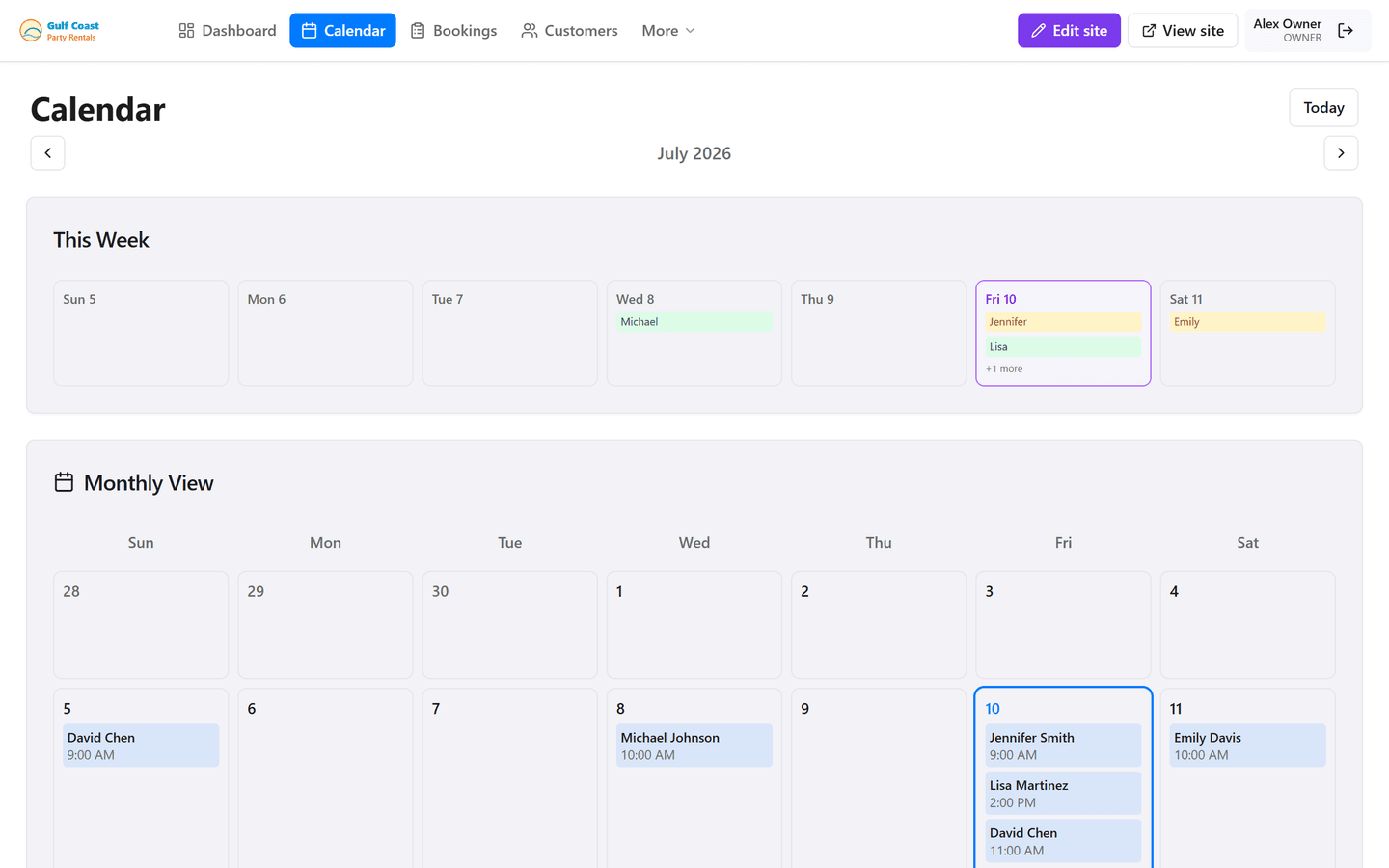
Spot conflicts before you double-book
Every reservation is color-coded by status across the week. Drag your eyes across Saturday and you'll see capacity at a glance - no paper calendar required.
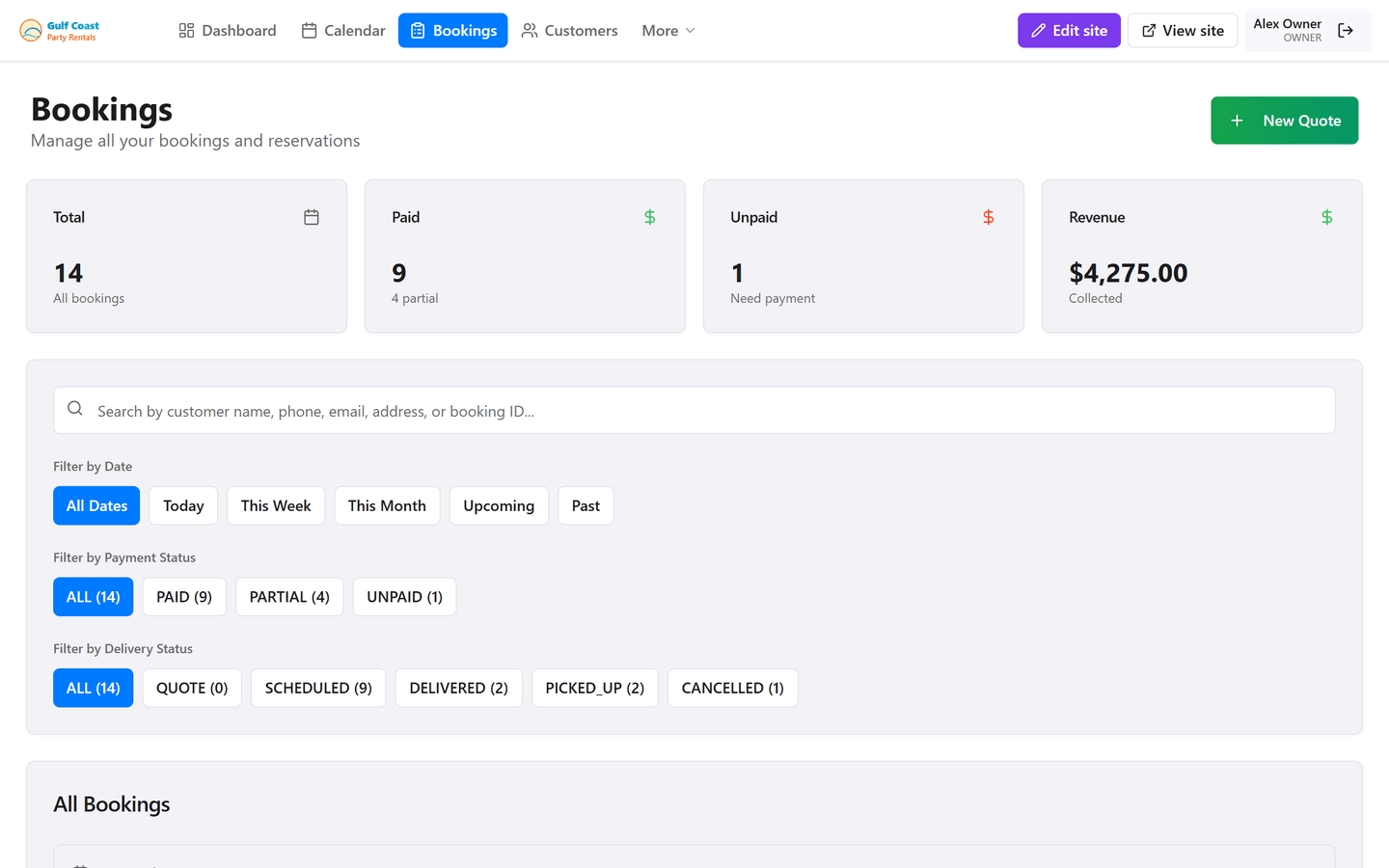
One job, end to end
Deposit, balance, delivery address, waiver, and inventory for this rental live together. Your crew can mark delivered or picked up from their phone.
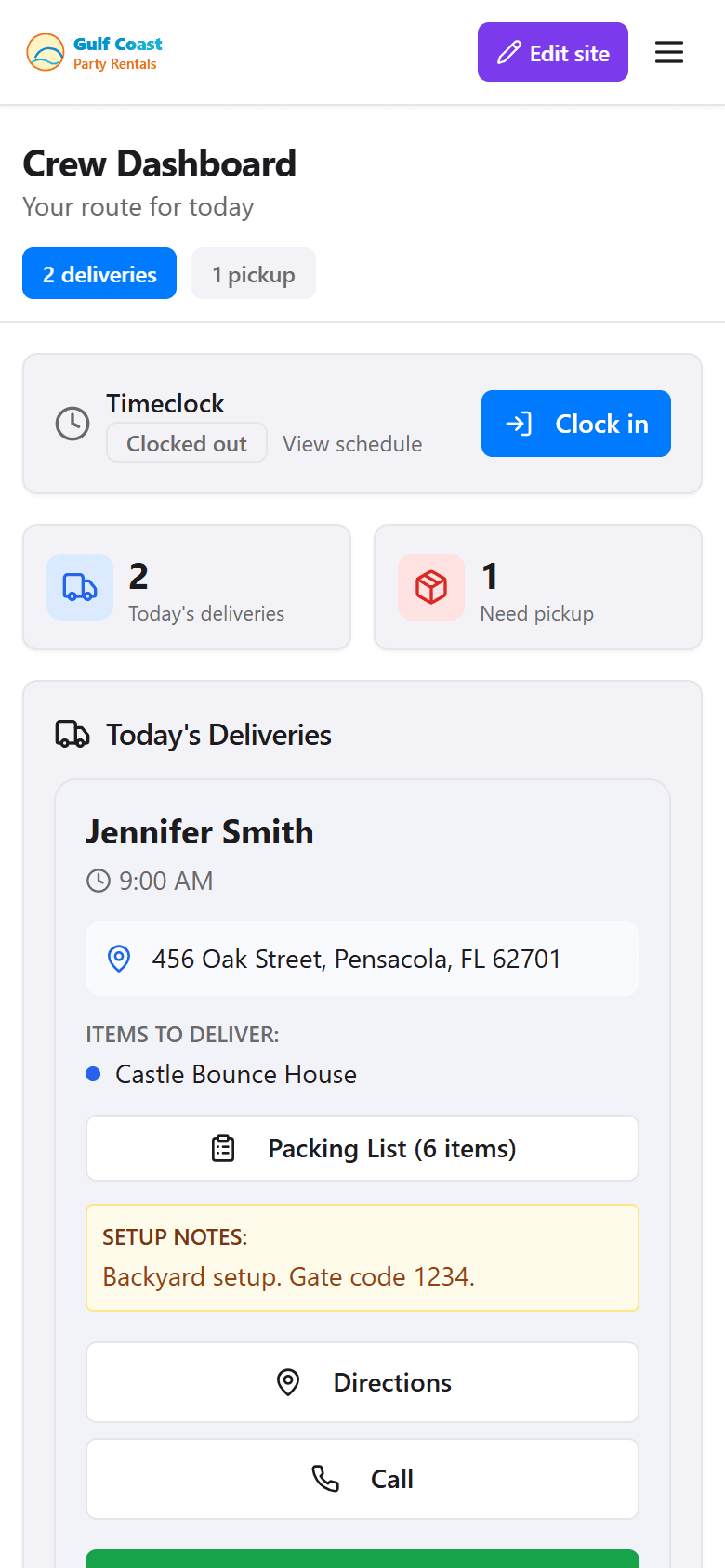
What your crew actually sees on their phone
We're switching you into the crew role. Today's deliveries, addresses, packing lists, and one-tap status updates - without payroll, pricing, or settings access.
Customers book while you sleep
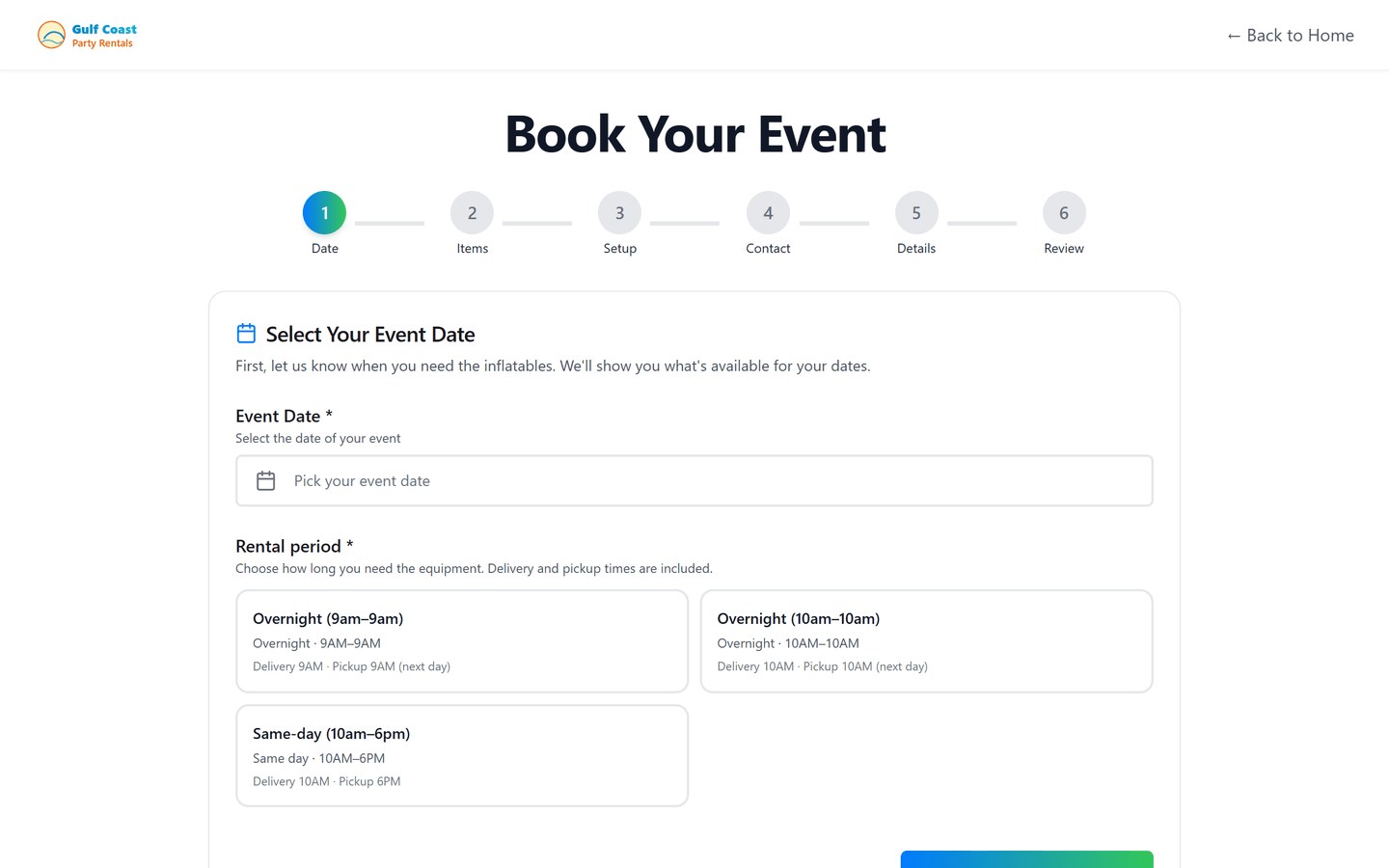
Your branded booking flow: pick a date, choose inflatables with live availability, add delivery, then pay the deposit online - no phone tag required.
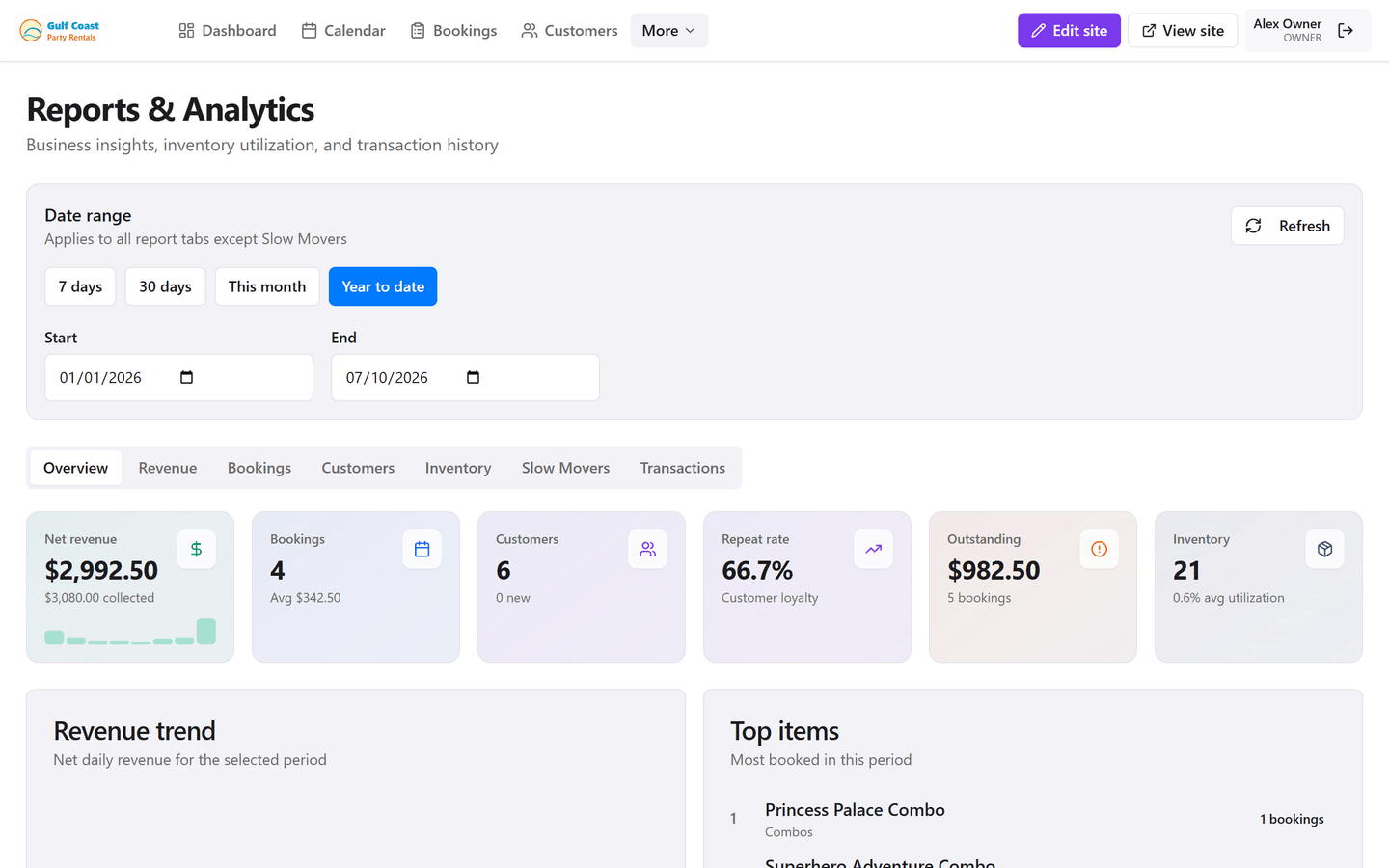
Know which units actually make money
Revenue, booking volume, and inventory performance without exporting to a spreadsheet. See what's hot, what's slow, and where the season is headed.
Configure once - then let it run
Company profile, deposit rules, delivery zones, waivers, and your website template. Most owners go live the same afternoon they sign up.
Safe to explore
Sample data resets every hour. Break things, delete bookings, change settings - it all comes back.
No real transactions
Payment processors are wired up for realism, but no charges or emails are ever sent in demo mode.
About 2 minutes
The guided tour hits the highlights. Or skip it and click around freely - you're already logged in.
Demo FAQ
Common questions before you jump in.
- Do I need to create an account?
- No. Click any link above and you're in - we log you in automatically as the sample business owner.
- Is this real data?
- It's a fictional rental company (Gulf Coast Party Rentals) with realistic sample bookings, inventory, and crew schedules. Nothing you change affects a real business.
- What happens if I mess something up?
- Demo data resets automatically every hour. You can also hit "Reset demo data" in the yellow bar at the top of the demo site.
- How does the guided tour work?
- When you open the owner dashboard, a welcome modal offers a step-by-step tour. It walks you through 8 screens - morning dashboard, calendar, a live booking, crew phone view, online booking, reports, and settings - in about 2 minutes. Use arrow keys to move, Esc to exit.
- Can I try it on my phone?
- Yes. The demo is fully responsive. The crew view is especially designed for phones - try it on yours.
- What about payments and emails?
- Payment processors are connected in demo mode but no real charges are made. Emails and SMS are disabled - it's safe to explore freely.
Ready to run your own business on InflataHQ?
Start your 30-day free trial after the tour - no credit card required. Most owners are live within an hour.